Controllers
The Controllers section within ResTrack Lite provides guidance and operational procedures for configuring, managing, calibrating, and maintaining controllers deployed across sites and fuel management infrastructure.
This page contains walkthroughs and instructional guides covering controller setup, firmware management, calibration procedures, and lifecycle management tasks.
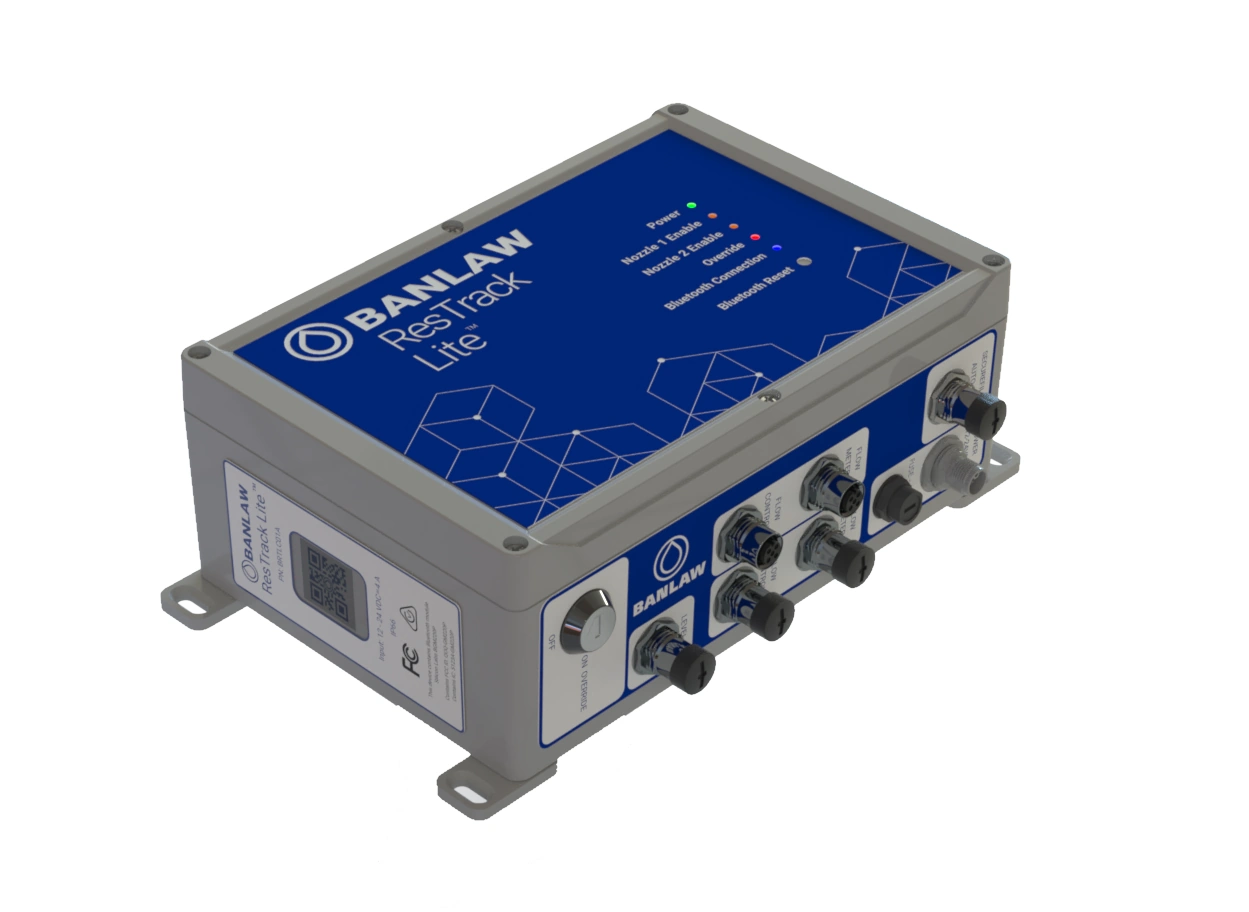
Controllers Overview
The following walkthrough provides an overview of controller functionality and management within ResTrack Lite.
Adding Controllers
This walkthrough demonstrates how to add and configure new controllers within the platform.
Editing a Controller
This walkthrough explains how to modify controller configuration and settings.
Updating Controller Firmware
This walkthrough demonstrates how to update controller firmware versions within ResTrack Lite.
Deactivating or Deleting a Controller
This walkthrough explains how to deactivate or permanently remove controllers from the system.
Calibrating a Tank
This walkthrough demonstrates the tank calibration process used within controller and fuel management workflows.
Flow Meter K-Factor Verification and Calibration
This walkthrough explains the process for verifying and calibrating flow meter K-factor values.